


Laravel
Web App Development
Custom web applications help companies, institutions and teams manage data, users, workflows, approvals, reports and automation in one system.
Operational dashboard
Role-based access · Per-user access control
Every partnership begins with different needs. Each receives the same care in the quality of our work and communication.











A web application brings data, users, statuses, processes and decisions together in one connected system.
One system for connected processes
A web application can replace manual processes, bring data together and give teams a measurable workflow.
Monitor activity, status, performance and important data in one view.
Track attendance, leave, lateness and schedules, with summaries for HR.
Manage prospects, customers, follow-ups, pipelines, activities and communication history.
Track submissions, reviews, approvals, rejections and status history.
Manage income, expenses, receivables, categories, reconciliation and reports.
Access accounts, profiles, personal data, documents, transactions and activity history.
Manage students, classes, materials, grades, attendance, assignments and administration.
Monitor servers, services, devices, projects, domains or operations.
We select and design each module around the users, data and workflows the system will serve.
Sign-in, password resets, one-time passwords, session management and access protection.
Admins, staff, supervisors and members with custom roles and permissions.
Create, edit, search, filter, sort, import, export and relate records.
Drafts, submissions, reviews, approvals, rejections, completion and custom statuses.
Statistics dashboards, summaries, charts, PDF reports and Excel exports.
Email, WhatsApp, in-app notifications and workflow reminders.
APIs, payment gateways, Google services, WhatsApp and third-party systems.
Track activity, data changes, sign-ins and workflow history as needed.
A workflow can be simple or detailed to reflect how your business actually operates.
A user enters data or submits a request.
The system checks the data against the rules.
The system applies the business logic.
An authorized user approves the request.
The system produces a status, document or result.
Activity appears in dashboards and reports.
Permissions can be restricted by module and action so users see and run only the functions they need.
Web applications have no fixed package price. We estimate once we understand modules, users, workflows, data, integrations and reporting requirements.
We map the requirements first so we can plan realistic features, delivery dates and costs.
We provide the final estimate once requirements and scope are agreed.
A web application can connect several modules to meet your operational needs.
Manage projects, domains, finances, monitoring and daily operations.
Manage leads, follow-ups, pipelines, sales activities and customer records.
Track employees, attendance, leave, schedules, summaries and HR reports.
Manage students, materials, grades, attendance, administration and announcements.
Schedules, availability, reservations, payments and notifications.
Check server, device and service status, performance or system activity.
Track stock, assets, locations, transfers, status, history and reports.
Manage support tickets, priorities, owners, status and resolution history.
We combine web development tools and infrastructure to support performance, security, and ongoing website management.
Web App Development

Web Server Performance

Hosting Resource Isolation

Server Protection

Data Backups

Hosting Management

Supports shipping integrations and rate calculations for websites that need shipping features.
Shipping Integration
Supports domain registration, renewal, and management for your business website.
Domain ServicesTechnology and integrations depend on your requirements and service scope.
We apply web application security practices to protect access, data and processes according to application requirements.
Sign-in and session protection.
Permissions for each user.
Input validation, CSRF, rate limiting.
Backups and activity logs within scope.
We build in stages to keep modules, databases, roles and workflows aligned with the agreed requirements.
Understand the problem, the users and the processes to be digitized.
Define modules, roles, data, workflows and integration requirements.
Design the application structure, database relationships and functional architecture.
Design dashboards and user journeys that make tasks easy to complete.
Build modules, business logic, integrations and permissions.
Test functions, roles, workflows, responsive layouts and usage scenarios.
Install and configure the application on the production server.
Provide technical support and further development once the system is in use.
Technical support, maintenance, optimization and additional modules are available as needed.
Explore selected DigiCraft Web projects. Each takes its direction from the character and needs of the business behind it.
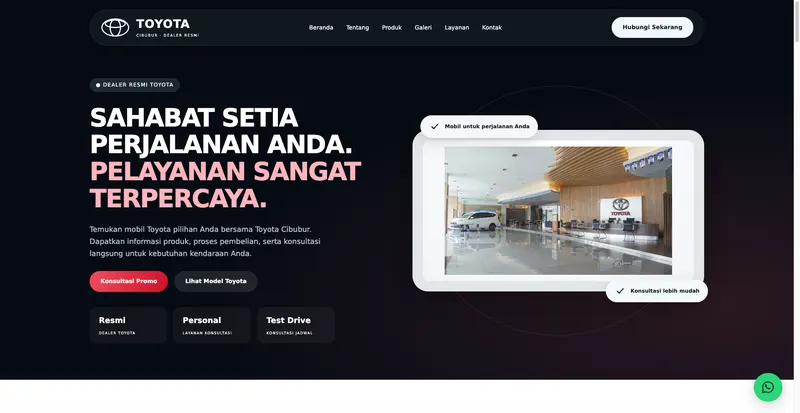 Landing Page
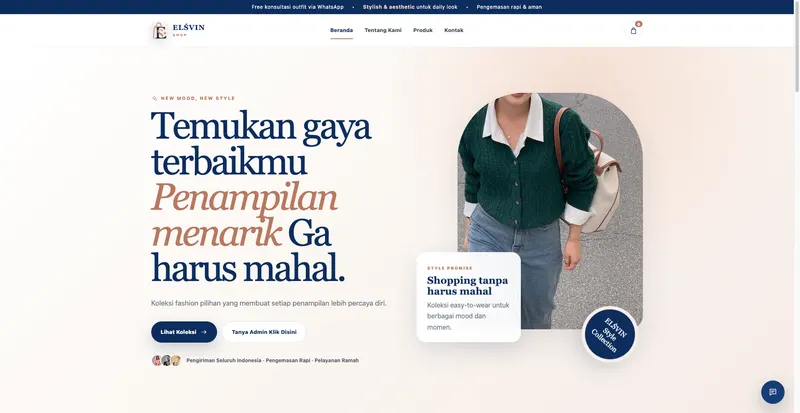 E-Commerce · Fashion
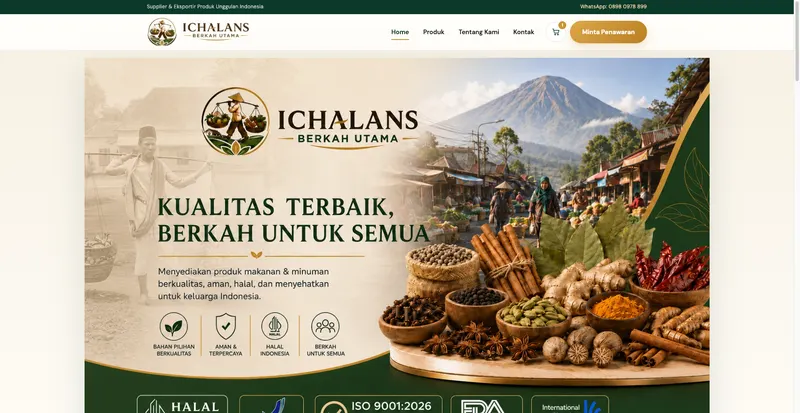 E-Commerce · Agriculture
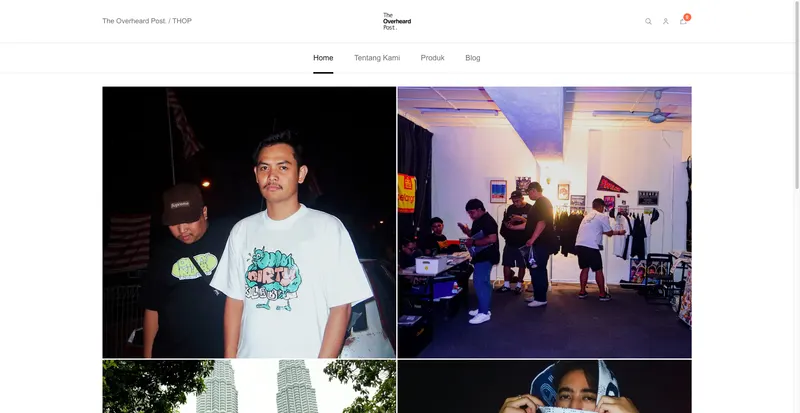 E-Commerce · Fashion
What to know before defining requirements and estimating development.
Yes. Modules, roles, data, workflows and interfaces can reflect the processes your company or organization actually uses.
Yes. Administrators, supervisors, staff, members, clients and custom roles can each have distinct permissions.
Yes. A responsive interface makes relevant functions available on desktops, tablets and mobile devices.
Yes, when the third-party service offers the required access or integration method.
There is no fixed package price. Estimates depend on modules, roles, workflows, databases, reporting, integrations and development complexity.
Timing depends on scope and complexity. We provide a timeline once the main requirements are clear.
Tell us about your workflow and operations. DigiCraft Web will help define the modules, workflow and development estimate for your web application.